How it works
Paper to wall, in about ten seconds
DraWorld turns a coloured sheet into a character living in a projected world - an art activity for a preschool morning, a school art period or an event. Here is every step of it, and what it asks of your room.
- 01
Print
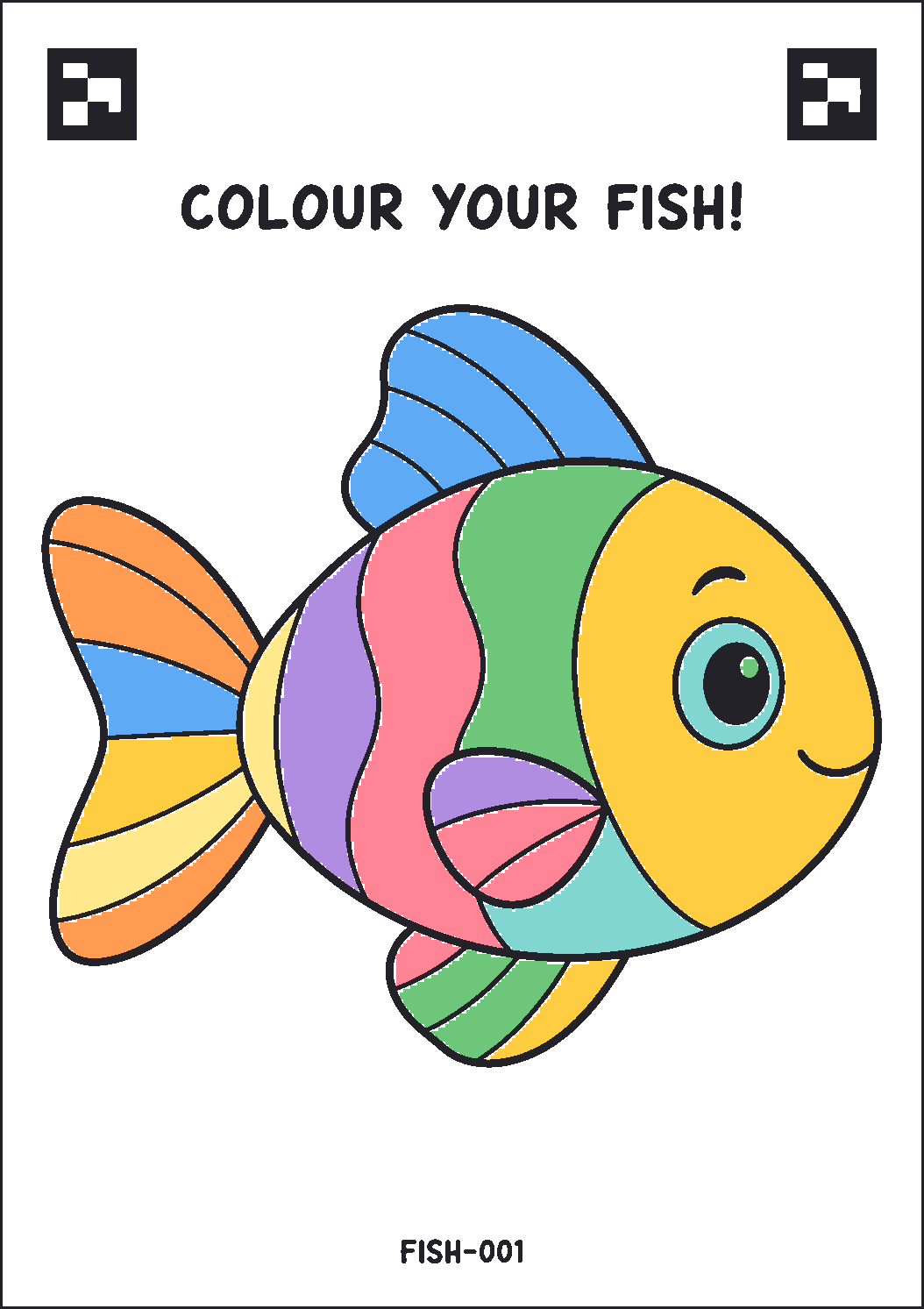
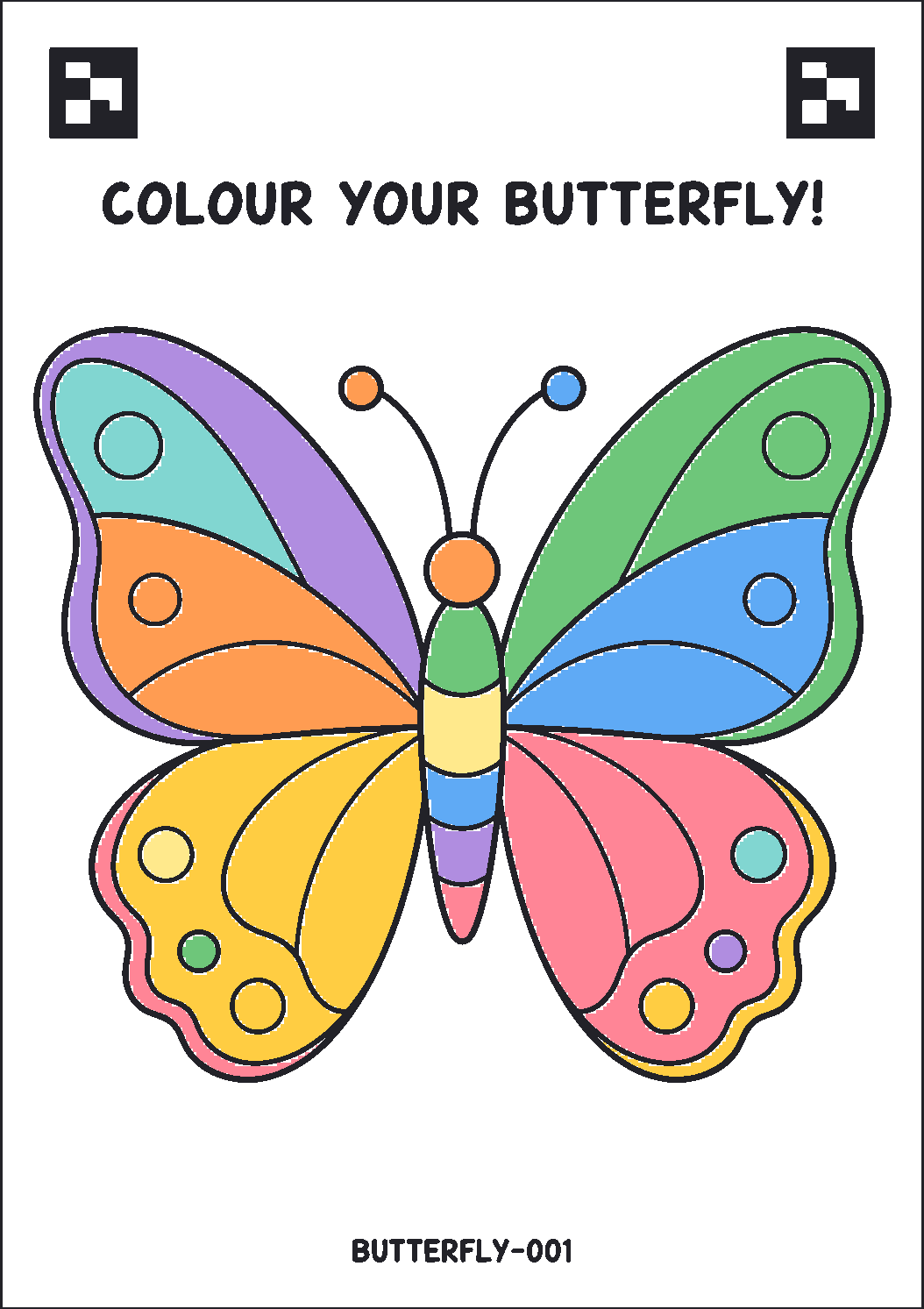
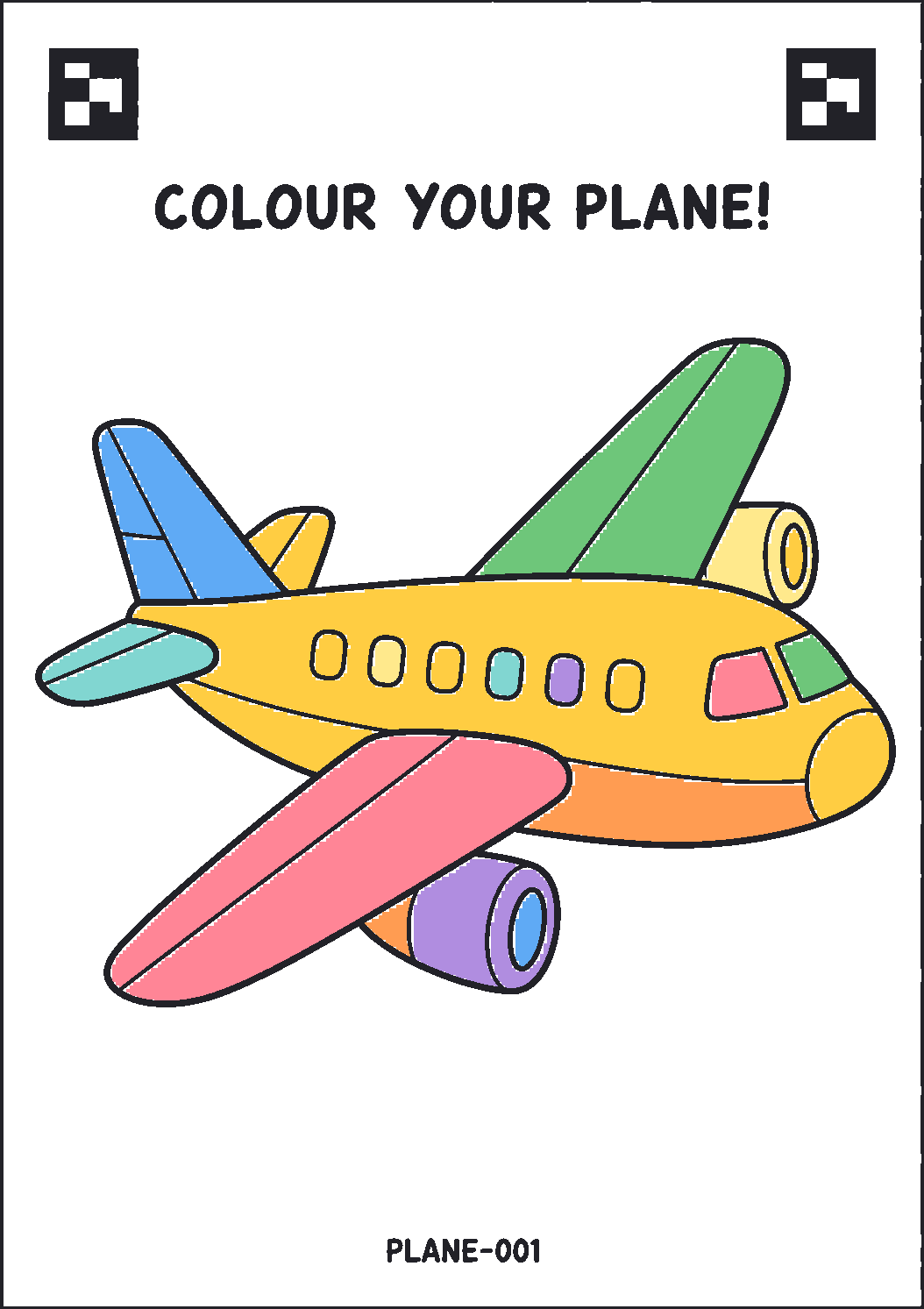
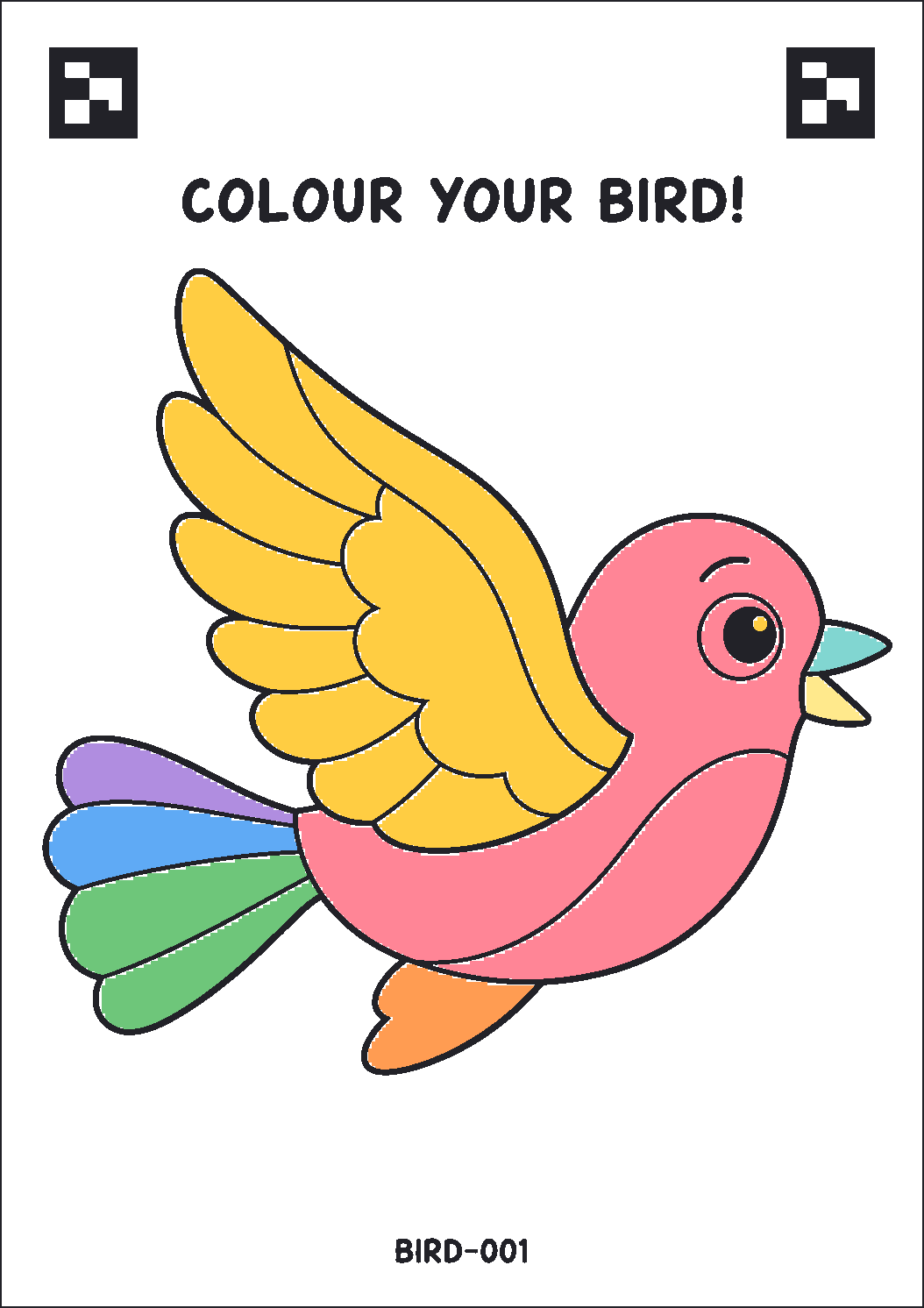
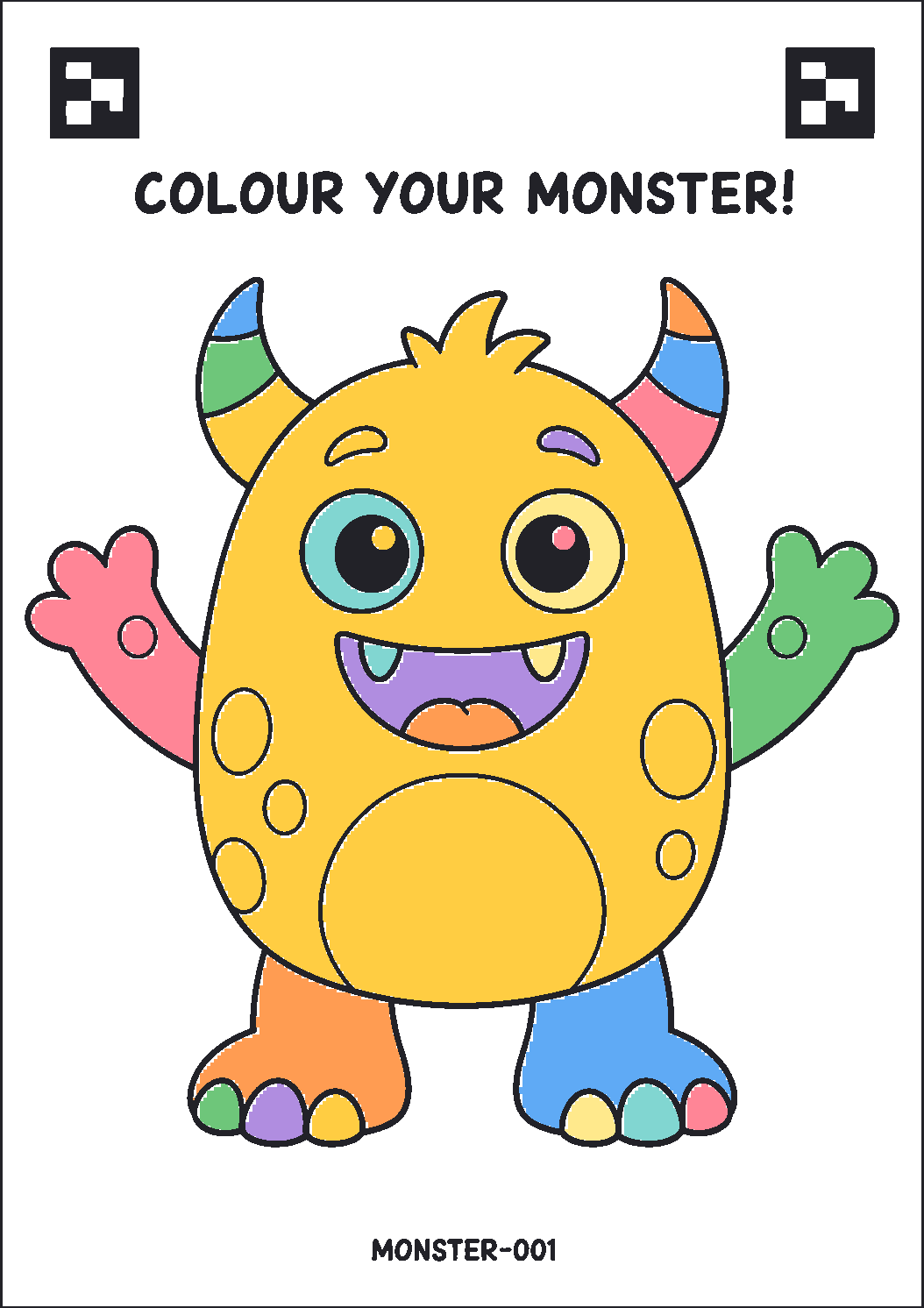
An A4 sheet with an outline to colour and a small code in the corner. Ordinary paper, ordinary printer.
- 02
Colour
Crayon, pencil, chalk - any pressure, any style. Colouring past the lines is fine.
- 03
Scan
A phone photographs the sheet. The code says what it is, so nothing has to be guessed.
- 04
Alive
The world dims, the drawing appears huge, and then it swims away into the scene - in the child's own colours.
What it needs
A wall or a screen
A projector on any blank wall, or a large TV. Landscape, ideally 16:9.
One laptop
It runs the world and the scanner. No internet needed - the room works offline.
A phone
Any phone with a camera photographs the sheets. It joins the laptop's own network.
A table
Printed sheets, crayons or pencils, and somewhere for children to lean.
The sheets a child gets
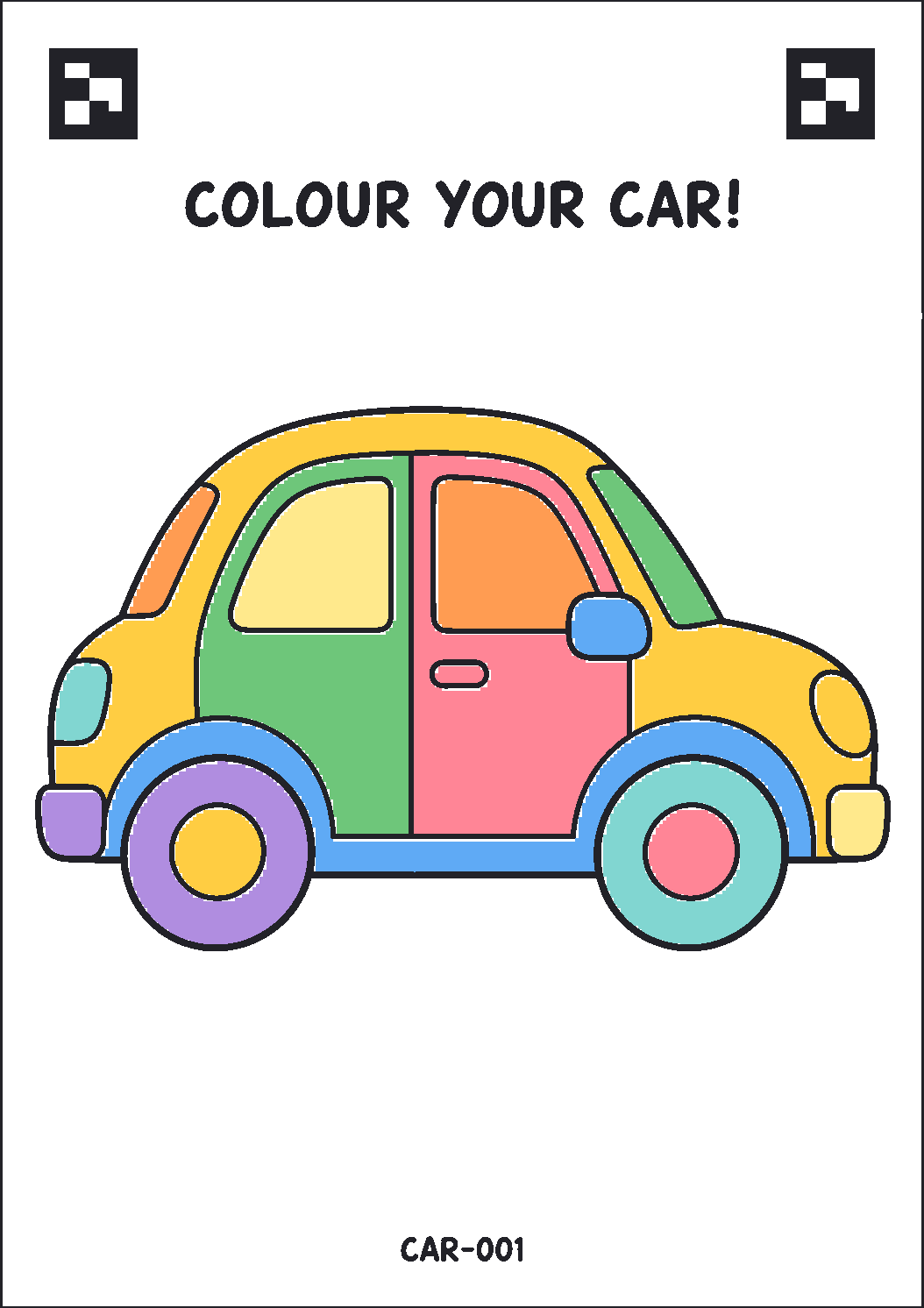
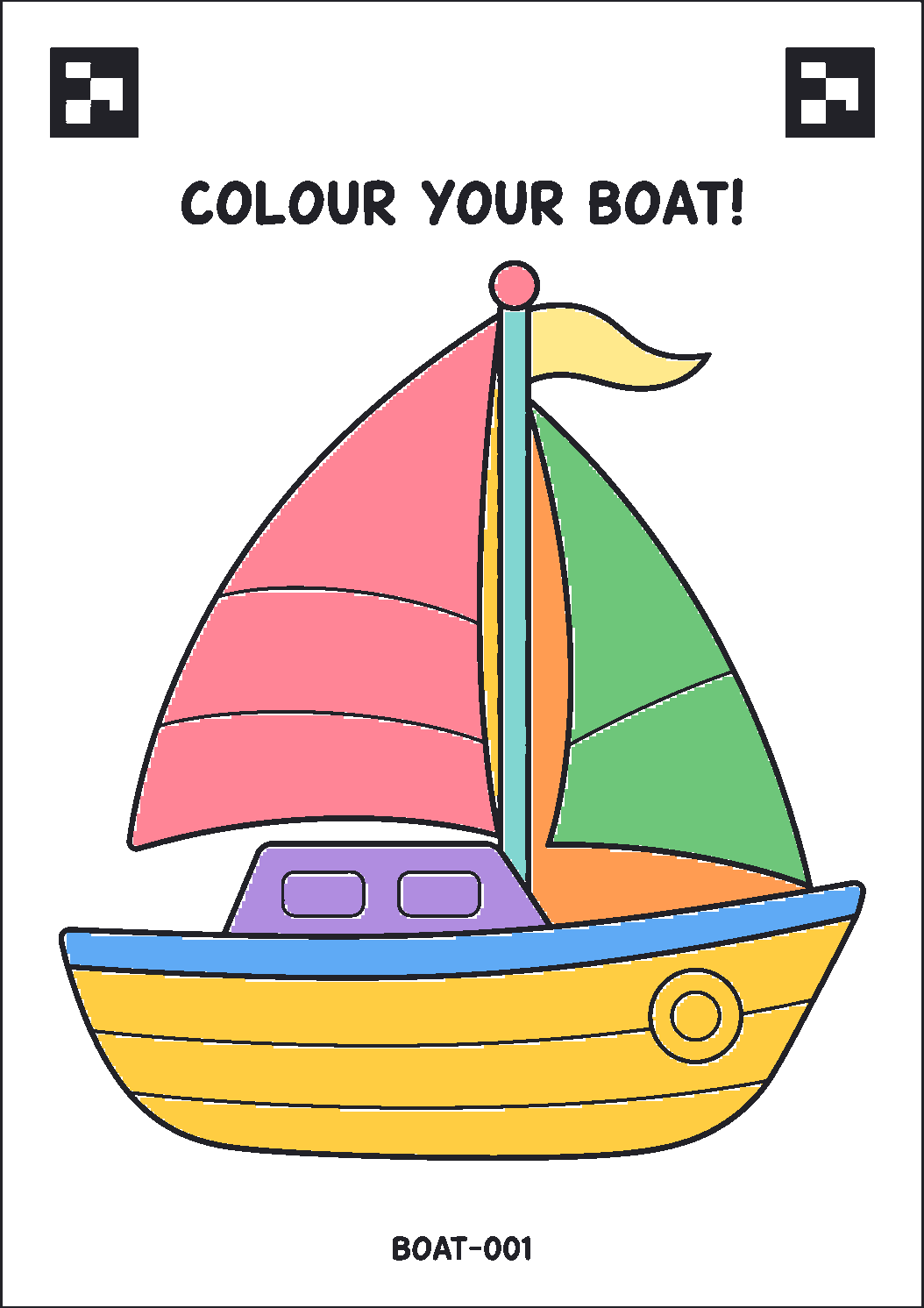
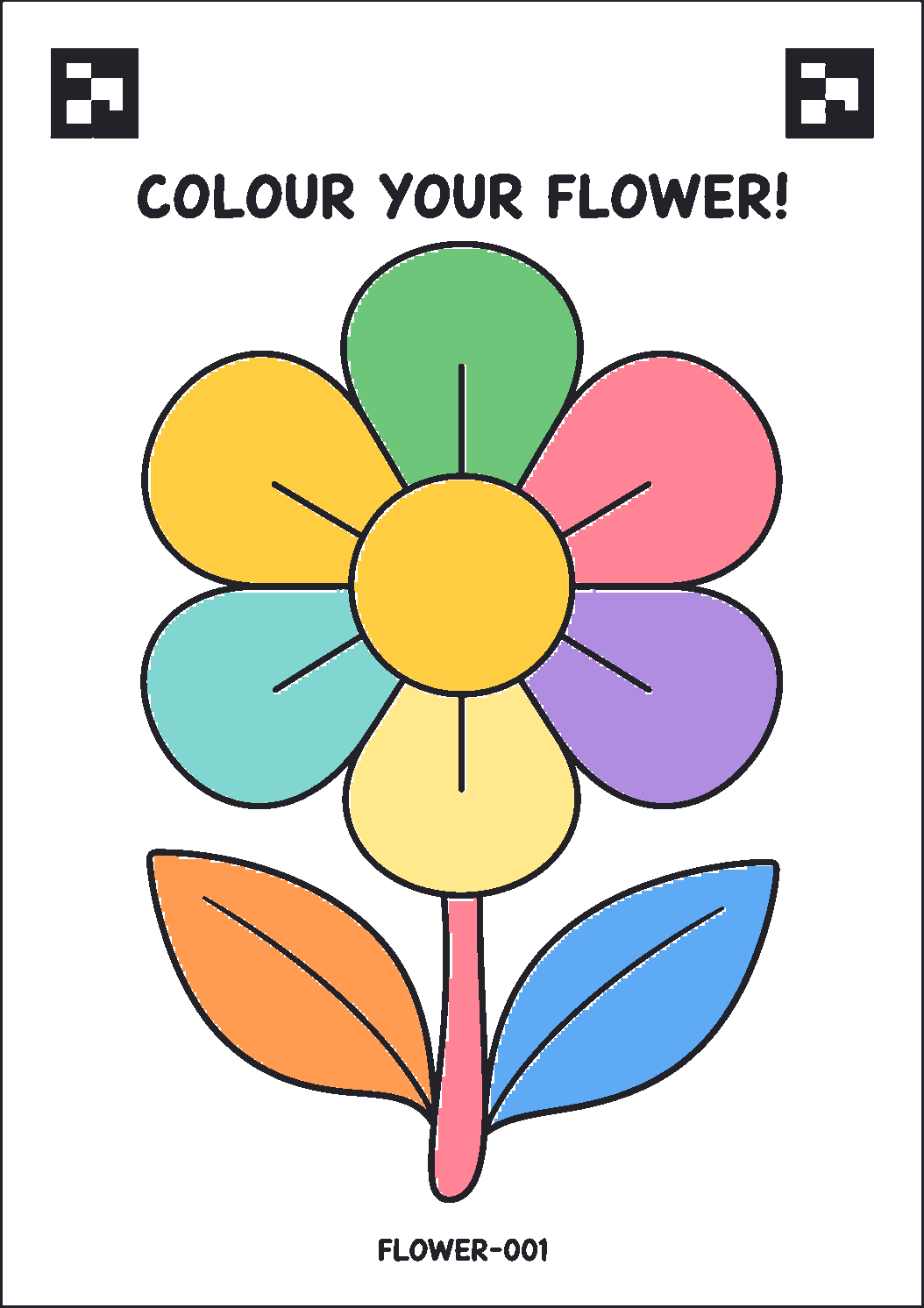
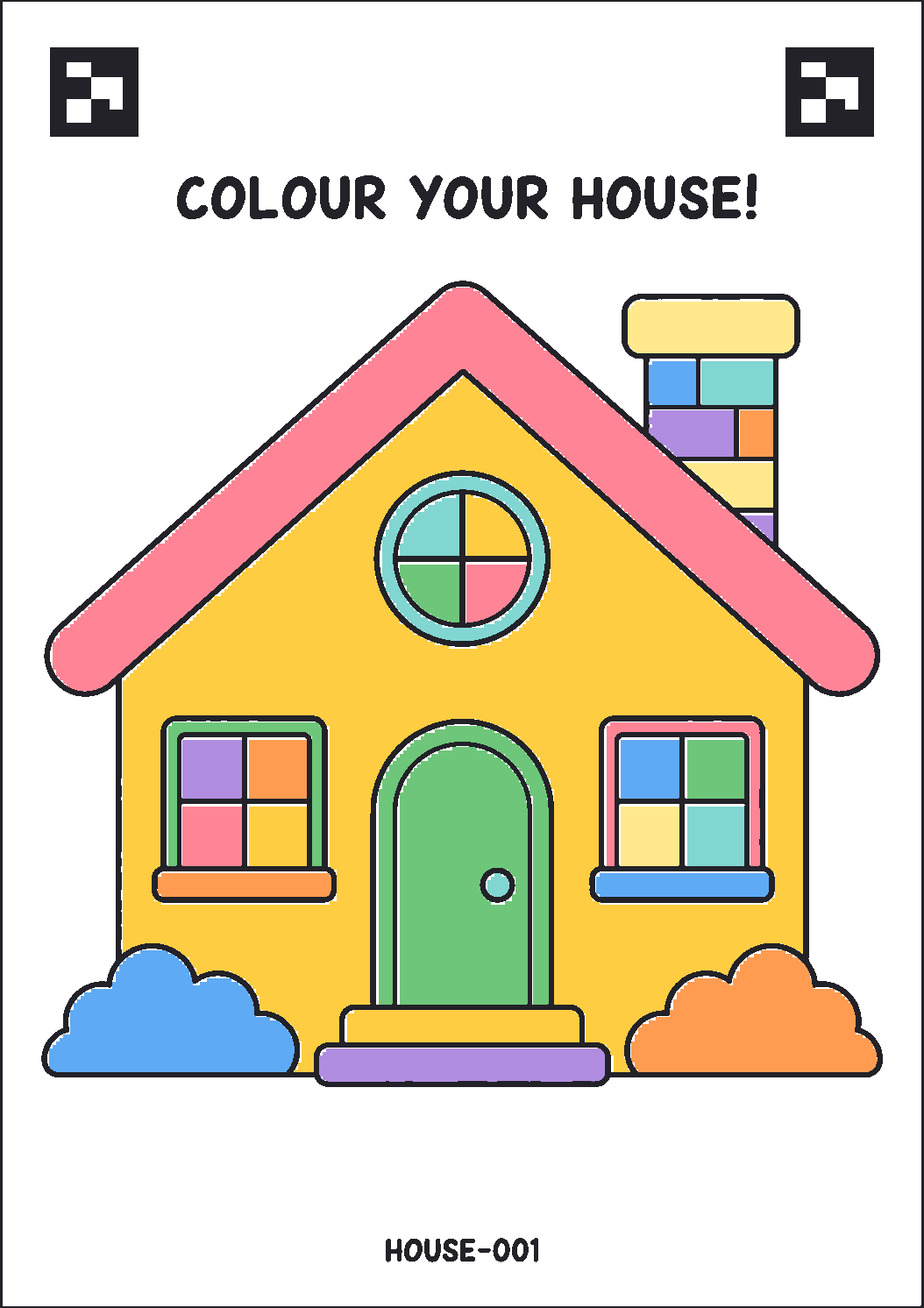
An outline to colour, wide margins, and a small code in the corner. The code names the drawing - a fish swims, a bird flies, a car drives, a flower sways - so nothing has to be recognised or guessed from the artwork itself. Print them on ordinary A4; a new subject is a new sheet, not a new system.
Questions
- Is it suitable for preschool and Montessori age groups?
- Yes - it is built for them. A child only has to colour; there is no screen to operate and no reading required. Colouring outside the lines still works, because each sheet's shape is known in advance. It suits ages 3 and up, and older primary classes just as well.
- Do children need a phone or an account?
- No. Children only draw. A teacher or volunteer photographs the finished sheet, and nothing about a child is entered, stored or asked for.
- What if a child colours outside the lines?
- It still works. Each printed sheet carries a code, so the shape is known before the photo is taken - the cut-out follows the printed outline rather than guessing from the colours.
- Does it need the internet?
- No. On the venue machine everything runs locally, which matters because event wifi usually does not. There is a hosted mode for remote demos.
- How many drawings can it hold?
- Hundreds in a session. The wall stays readable because older drawings retire gently as new ones arrive.
- Can we use our own artwork or branding?
- Yes. A template is an outline plus a code, so new subjects - a bird, a bus, your mascot - are printed sheets, not new software.
Want to see it running?
Open the world in your browser, or write to us about a date.